Watashi Colorizer
Colorize entire manga and webtoon chapters — not just individual panels. Consistent character palettes, smart panel splitting, and 30+ language translation. Built for webtoon creators and scanlation teams.
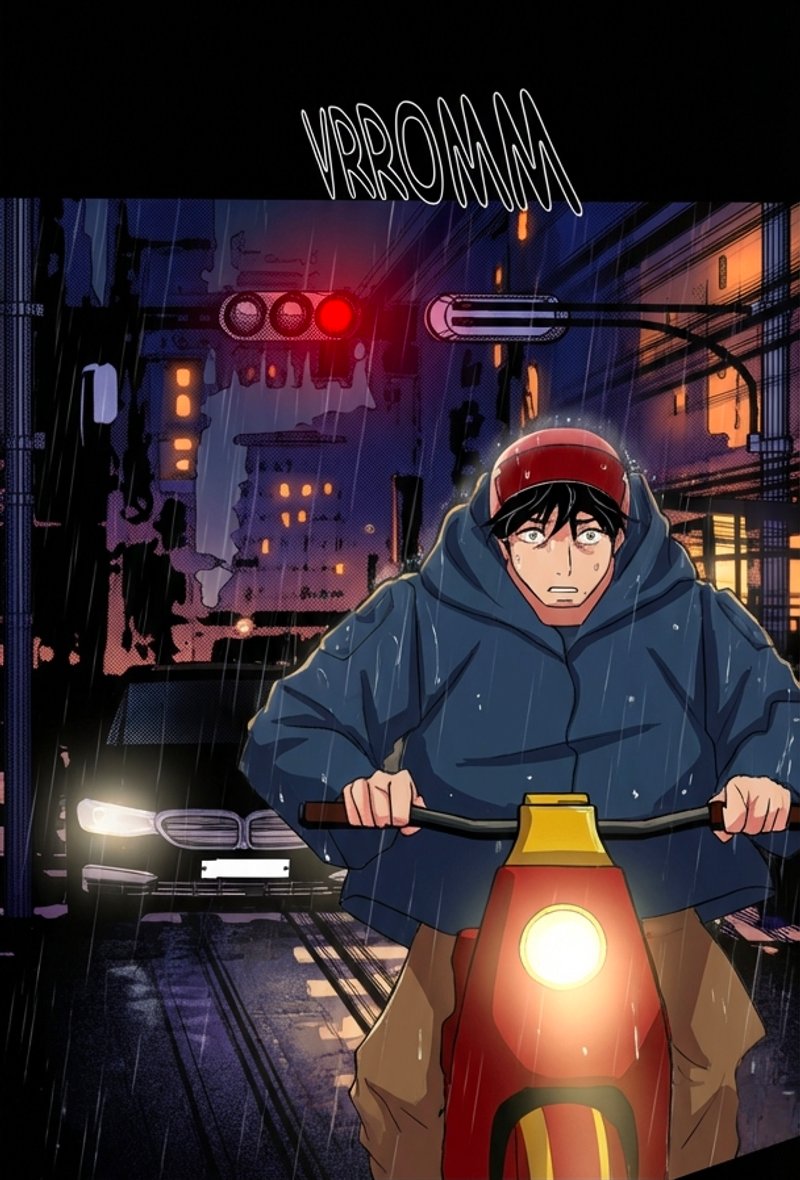
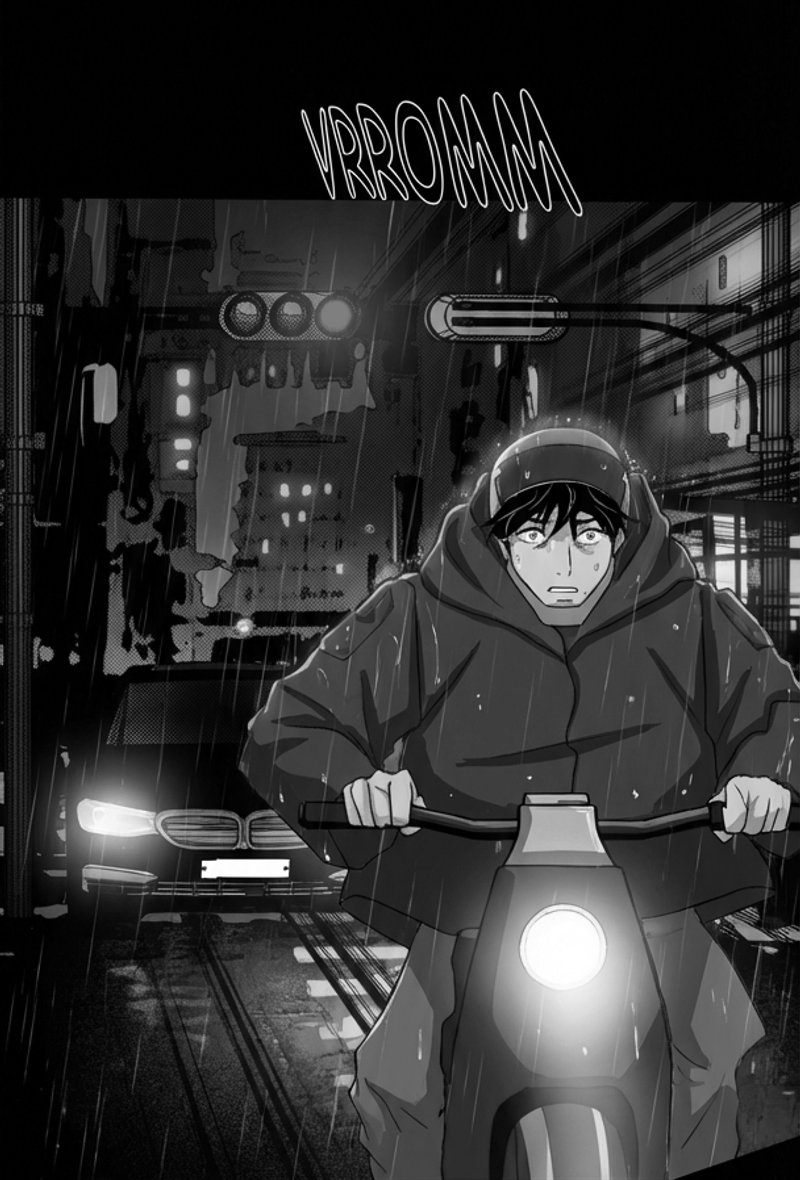
How It Works
Upload
Add your black-and-white manga or webtoon pages to a project.
Configure
Select a character color palette or create your own with per-character color definitions.
Colorize
Pages are split into art bands, batched by scene continuity, and colorized together.
Export
Compare, review, and export your colorized chapter as a ZIP at original dimensions.
See The Difference
Hover to reveal the colorization
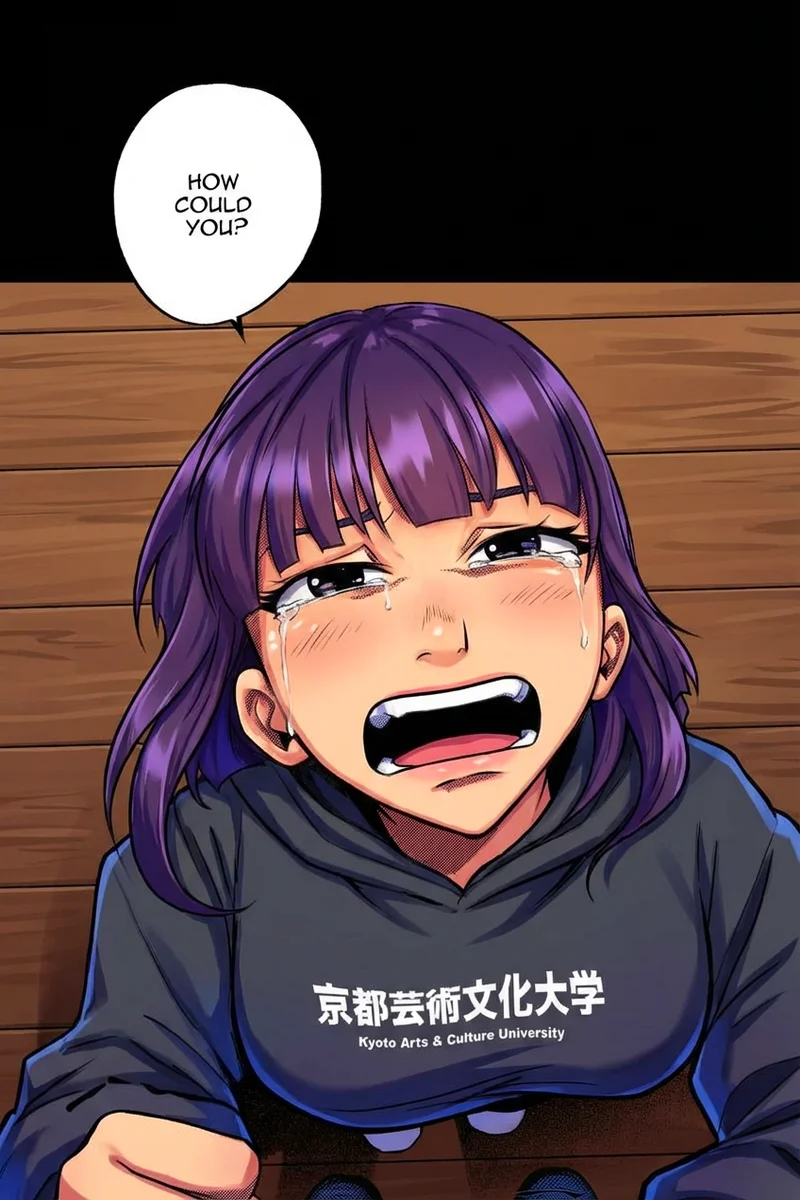
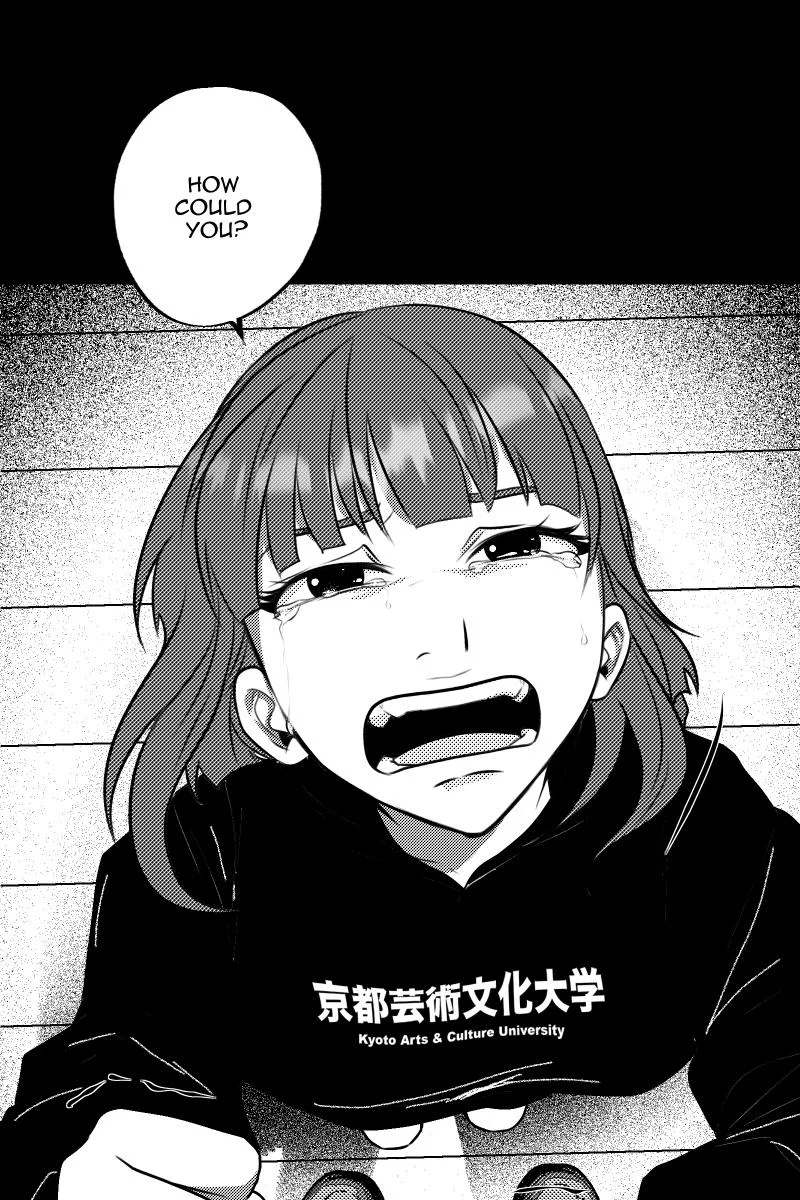
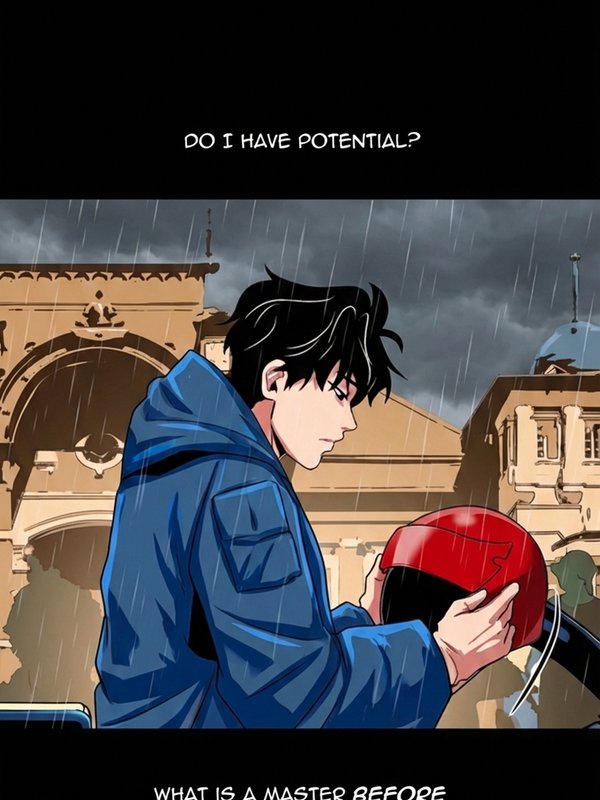
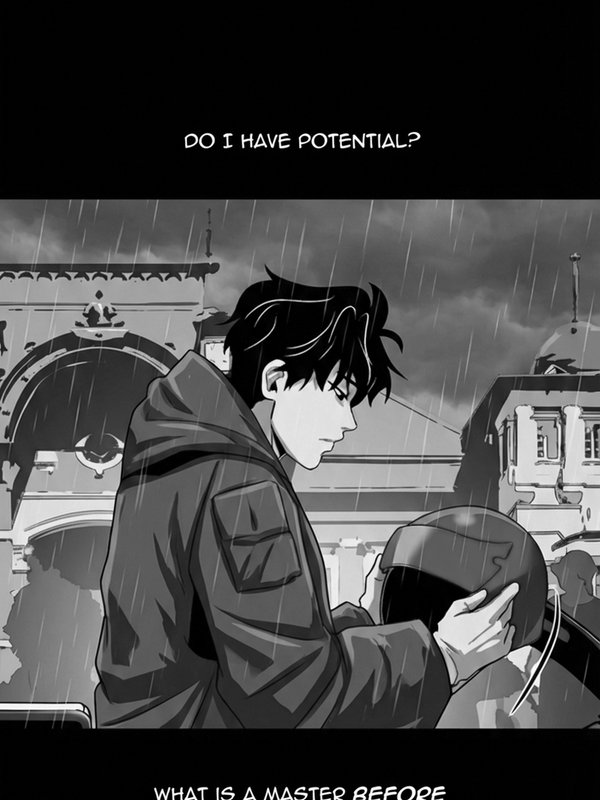
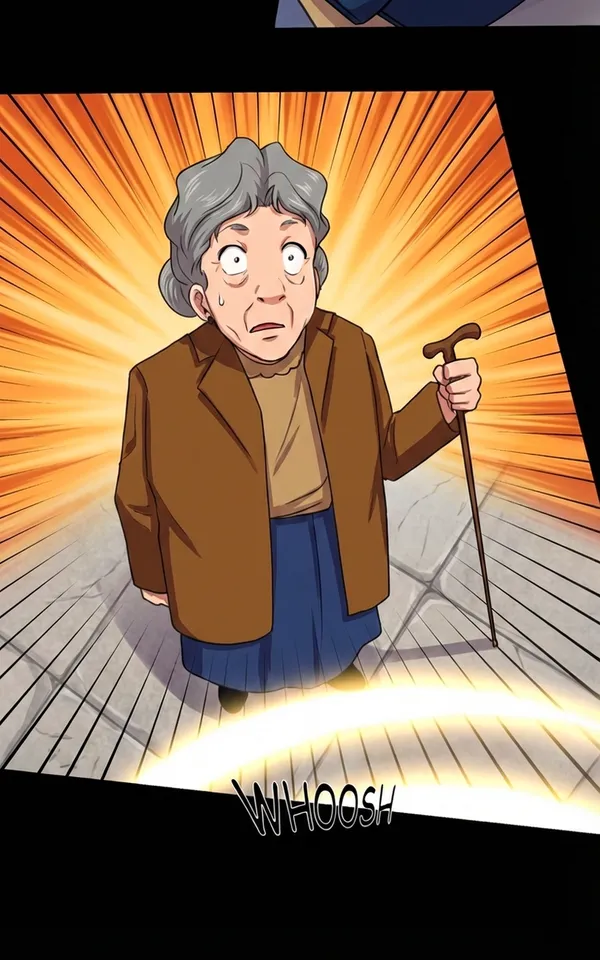
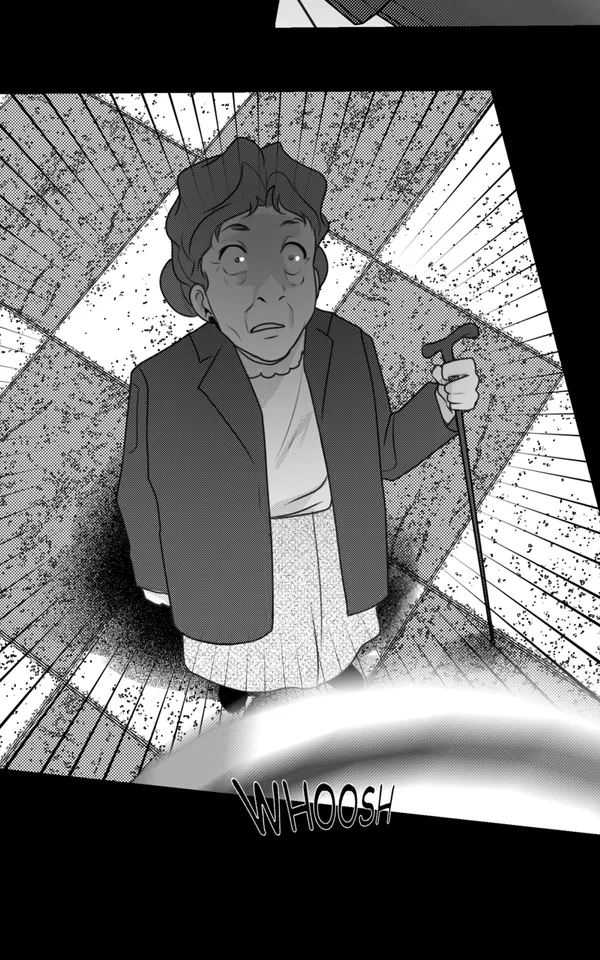
Key Features
Bulk Chapter Upload
Upload 50+ pages in a single run. The pipeline processes entire chapters end-to-end — virtual image splitting, scene-aware batching, and colorization — with publish-ready output at original resolution.
Virtual Image Splitting
Detects black panel dividers and splits pages into individual art bands. Scenes that span page boundaries are kept together in the same batch for consistent colors.
AI Translation
Translate dialogue into 30+ languages during colorization. Text is detected, translated, and rendered directly on the image — no separate localization step needed.
Intelligent Batching
Art bands are grouped by scene continuity, not arbitrary page counts. Boundaries always fall at natural scene breaks — never mid-panel.
Character Palettes
Define hex-level color values for each character — hair, eyes, skin, clothing. Colors stay locked across every panel and chapter. Palettes are reusable across projects.
Context Learning
The system learns environment colors (“hospital: mint walls,” “rooftop: orange sky”) and remembers them across sessions. Recurring locations stay consistent.
Edit Mode
Give natural-language instructions like “make her hair darker” or “change the sky to sunset.” Fine-tune specific images without re-processing from scratch.
Original Dimensions
Every colorized image outputs at the exact same width and height as the input. Drop files directly back as replacements — no resizing or cropping needed.
Smart Segmentation
Panel dividers are detected using pure-black row scanning (95%+ threshold). Dark art like shadows and cross-hatching is never misidentified. Speech bubbles on black backgrounds are handled with gap-analysis heuristics. Only actual art content gets processed — saving costs while preserving artistic integrity.
How We Compare
| Feature | Watashi Colorizer | Generic Colorizers |
|---|---|---|
| Cross-panel consistency | Virtual image splitting + scene-aware batching | Each image independent |
| Character palettes | Hex-level color control per character | No palette system |
| Context learning | Remembers colors across sessions | No memory |
| Panel divider handling | Smart detection, preserves dividers | Often fills in or damages |
| Output dimensions | Exact match to input | Often resized or cropped |
| Batch processing | Full chapters at once | Usually single image |
| Targeted editing | Natural-language instructions | Re-process from scratch |
| Built-in translation | 30+ languages, rendered on image | No translation |
Built-in Translation
Same colorized chapter, translated into 30+ languages
 English
 Korean
Pricing
Free
50 Credits
200 Credits
500 Credits
BYOK Access
BYOK Unlimited
FAQ
Can I use Watashi Colorizer for scanlation projects?
Yes. Watashi Colorizer is built with scanlation teams in mind. Upload an entire chapter (50+ pages), apply character palettes for consistent colors, and translate dialogue into 30+ languages — all in one pipeline. Output is at original resolution so files drop directly into your publishing workflow.
How do indie webtoon creators use Watashi Colorizer?
Indie creators use Watashi Colorizer to turn black-and-white drafts into full-color chapters ready for platforms like Webtoons, Tapas, and GlobalComix. The bulk chapter upload handles 50+ pages at once, character palettes keep colors locked across episodes, and built-in translation opens your work to international audiences without a separate localization step.
Is Watashi Colorizer suitable for publishing on Webtoons or Tapas?
Absolutely. Every colorized image is output at the exact same dimensions as the original, so files are publish-ready with no resizing or cropping. The virtual image splitting pipeline is optimized for long vertical webtoon strips. Many creators and scanlation teams use Watashi Colorizer to prepare chapters for Webtoons, Tapas, GlobalComix, and other platforms.
What makes Watashi Colorizer better than other colorization tools?
Three things: (1) Virtual image splitting ensures scenes that span page boundaries get colorized together for consistent colors. (2) Character palettes and context learning maintain color identity across entire chapters. (3) Smart segmentation strips panel dividers and voids before AI processing, saving cost and preventing artifacts.
How does virtual image splitting work?
Each uploaded page is scanned row-by-row for pure-black panel dividers. The page is split into individual art bands at these dividers. Bands are then grouped across pages by scene continuity — if a scene starts at the bottom of page 5 and continues at the top of page 6, those bands land in the same AI batch for consistent colorization.
Does it work with manga, manhwa, manhua and webtoons?
Yes. The pipeline is optimized for long vertical webtoon strips but works with any black-and-white comic format — manga, manhwa (Korean comics), manhua (Chinese comics), and webtoons all work. Panel divider detection adapts to the layout automatically.
Can I use my own Gemini API key?
Yes. BYOK (Bring Your Own Key) plans let you use your own Google Gemini API key. You pay Google directly for API usage and get either 1,000 images or unlimited access through Watashi Colorizer.
Do output images match the original dimensions?
Yes. Every colorized image is output at exactly the same width and height as the original. You can drop colorized files directly back into your manga reader or publishing workflow as replacements.
Which AI models are supported?
Watashi Colorizer uses Google Gemini models including Gemini 2.0 Flash, 2.5 Flash, and 2.5 Pro. BYOK users can select their preferred model for each colorization run.
Articles & Guides
Learn more about manga colorization, AI technology, and webtoon workflows.
Ready to Colorize?
Upload your first chapter and get 10 free colorization credits. No credit card required.
Try It Free