
What Is AI Colorization?
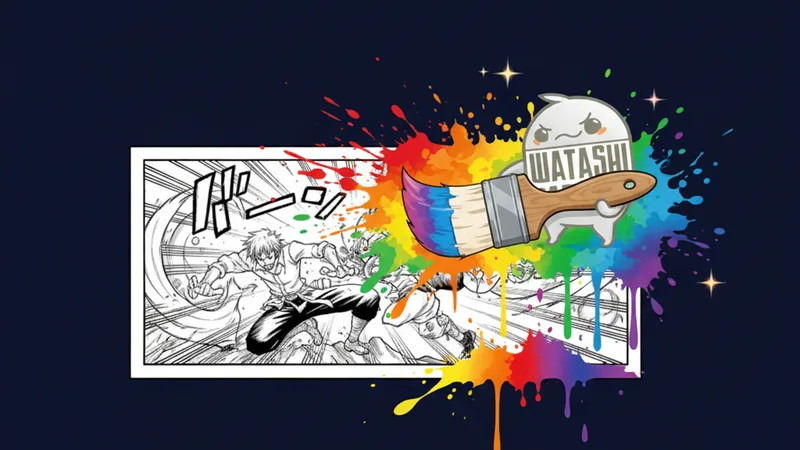
AI colorization is the process of using artificial intelligence to add color to black-and-white images. In the context of manga and webtoons, this means transforming grayscale pages into full-color versions while maintaining the artist’s line work, shading, and panel composition. The AI analyzes the content of each panel — characters, backgrounds, clothing, lighting — and applies contextually appropriate colors.
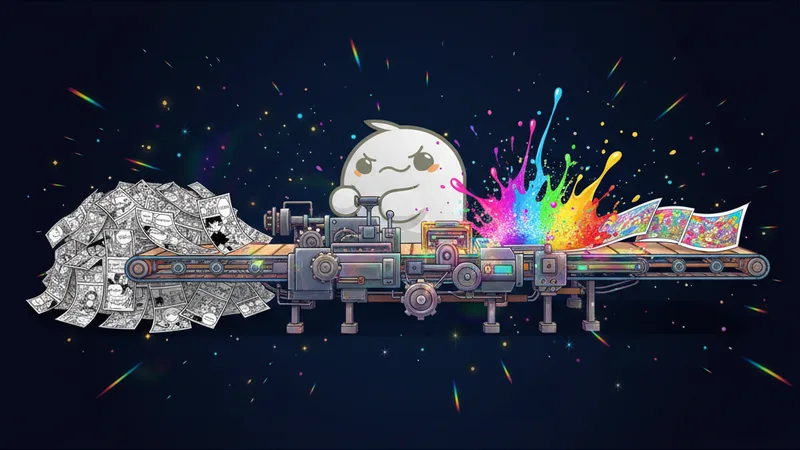
Watashi Colorizer was built specifically for chapter-scale colorization. Unlike general-purpose image colorization tools that process one image at a time, our pipeline is designed to handle 50+ pages per run with consistent colors across the entire chapter. This distinction matters because consistency is what separates a professionally colorized chapter from a collection of individually colored pages.
The core technology is Google Gemini 2.0 Flash, a multimodal AI model that understands both image content and text instructions. We send the AI a batch of manga panels along with character palette definitions, and it returns colorized versions that respect both the palette constraints and the visual context of the scene.
How It Works
The colorization pipeline has four main stages: virtual image splitting, intelligent batching, AI colorization, and reassembly. Each stage solves a specific technical challenge that makes chapter-scale colorization possible.
Virtual image splitting addresses the resolution problem. Webtoon pages are typically 1280 pixels wide and 5,000-20,000 pixels tall. When you send a 1280×12000 image to an AI model with a 2048-pixel maximum, it gets scaled down to 218×2048 — too narrow for the AI to produce good colors. Our splitting algorithm detects black panel dividers between scenes and splits the page into smaller bands, each processed at much higher effective resolution.
Intelligent batching groups these bands by scene continuity rather than by page number. If a scene spans the bottom of page 3 and the top of page 4, those bands are processed together so the AI sees them in context and applies consistent colors. This is the key to cross-page consistency — the AI colorizes scenes, not arbitrary page chunks.
The AI colorization stage sends each batch to Gemini along with the character palette definitions. The palette tells the AI exactly what colors to use for each character’s hair, eyes, skin, and clothing. This prevents color drift — the common problem where a character’s hair might be brown on page 1 but red on page 30 because each page was colorized independently.
Key Features
Character palettes are reusable color definitions for each character in a series. Define a character once — hair color, eye color, skin tone, primary clothing colors — and the palette applies to every chapter. Toggle characters on or off per chapter depending on who appears. This eliminates per-chapter setup and ensures consistency across hundreds of chapters.
AI translation happens during the same processing pass as colorization. Gemini reads the source-language dialogue, translates it into any of 30+ supported languages, and renders the translated text directly onto the colorized image. For scanlation teams, this eliminates an entire workflow step — no separate OCR, translation, and typesetting phases.
Edit mode allows targeted corrections without reprocessing the entire chapter. If one panel has incorrect colors, you can select it, describe the correction (“make the sky more orange for sunset”), and the AI re-colorizes just that section. This is dramatically faster than full reprocessing and preserves your approved colors on everything else.
Original-dimension output means the colorized files are exactly the same pixel dimensions as the source files. A 1280×4000 source produces a 1280×4000 colorized output. This is essential for publishing workflows where colorized files need to drop into existing pipelines as direct replacements for the originals.
Use Cases
Scanlation teams are the most active users. They colorize and translate simultaneously, processing multiple chapters per week with consistent character palettes. Teams that previously needed a dedicated colorist spending hours per chapter now handle colorization in minutes with AI assistance and quick manual touch-ups.
Webtoon creators use Watashi Colorizer to offer color versions of their black-and-white series. Some creators publish in both formats — the original B&W for purists and a colorized version for readers who prefer color. The AI handles the bulk of the work; the creator reviews and adjusts for artistic intent.
Publishers colorize catalog titles for markets that prefer color content. Korean and Chinese markets strongly favor full-color webtoons, so publishers localizing Japanese manga for these markets often need to add color. Our batch processing and context learning features are designed for this production-scale use case.
Getting Started
Getting started with Watashi Colorizer is straightforward. Create a project for your series, upload your black-and-white pages, define a character palette (or use the default AI-detected colors), and start colorization. The pipeline handles splitting, batching, and reassembly automatically.
For best results, we recommend starting with a single chapter to establish your palette and review the AI’s color choices. Once you’re satisfied with the palette, subsequent chapters process faster because the character definitions are already set. Most users find their optimal workflow within the first two chapters.
The platform offers both free credits for evaluation and pay-per-use pricing for production work. There are no monthly subscriptions or minimum commitments — you pay only for the pages you colorize. This pricing model was designed specifically for indie creators and small teams who need flexibility, not enterprise contracts. Visit watashicolorizer.com to try it yourself.